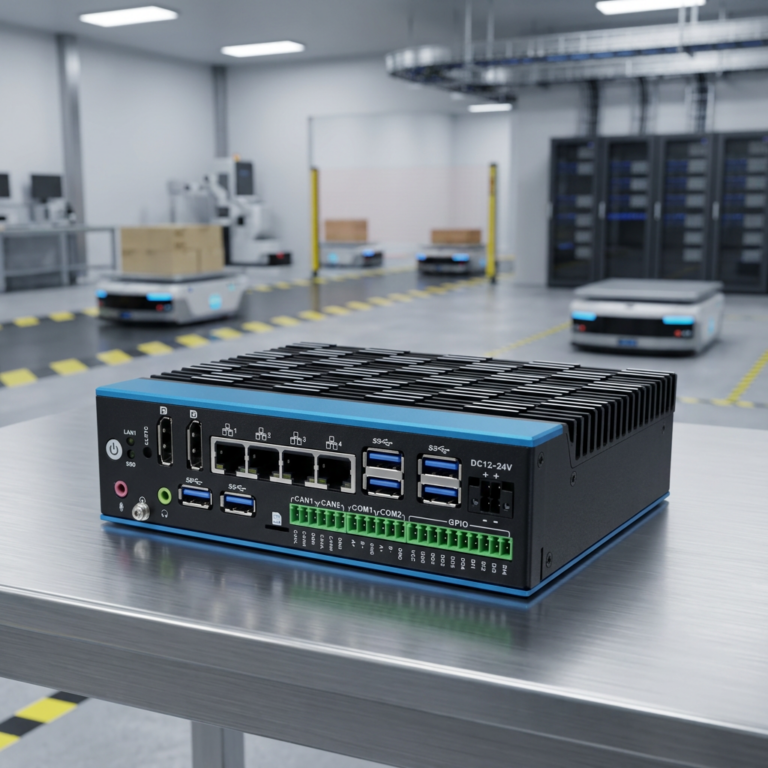
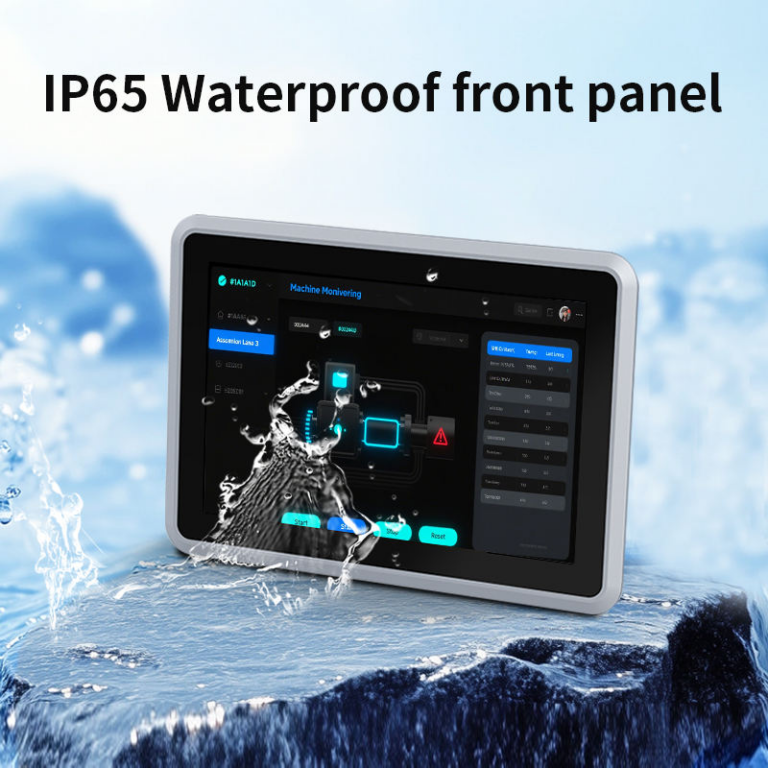
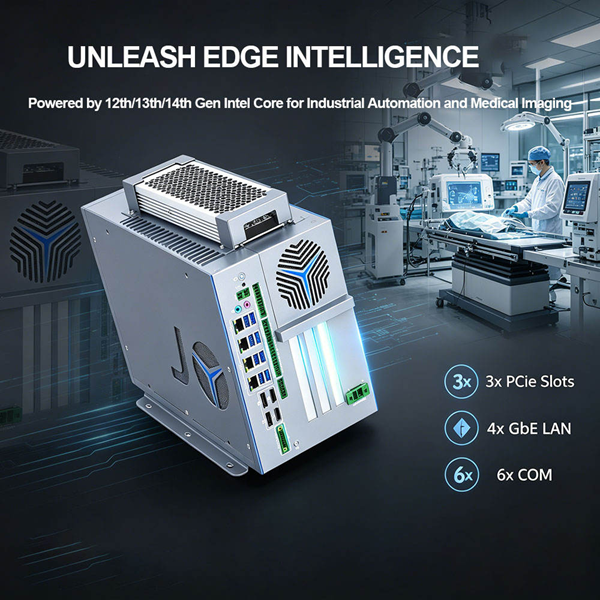
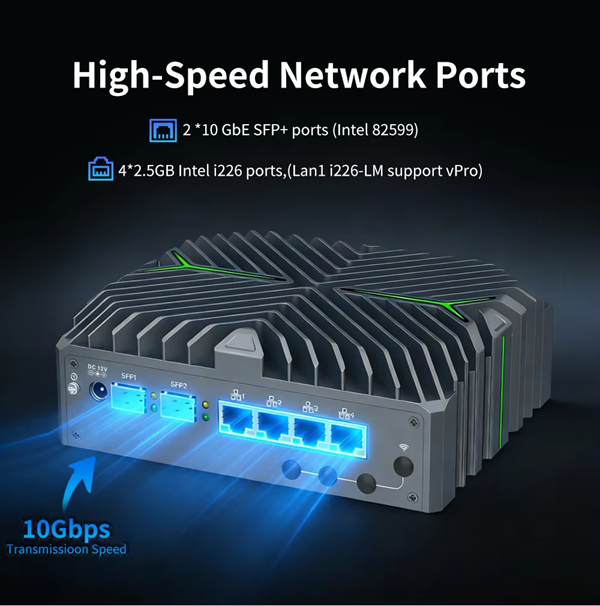
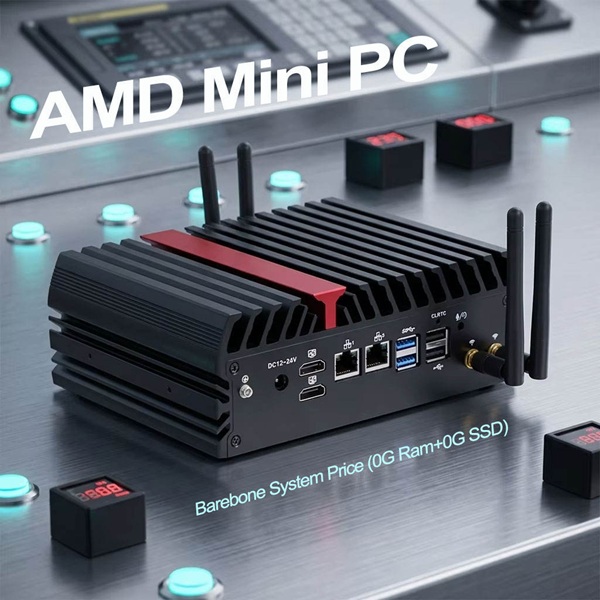
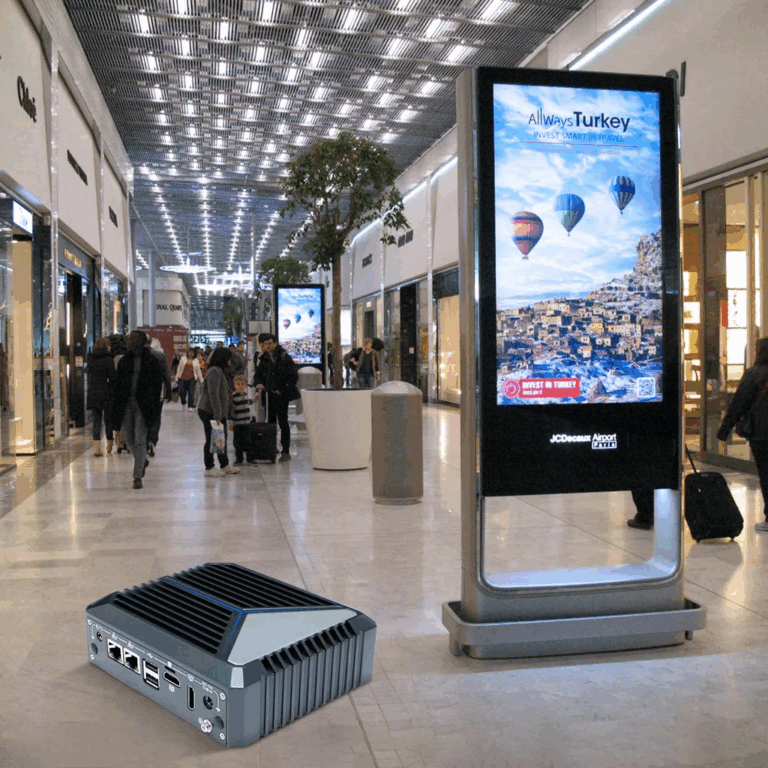
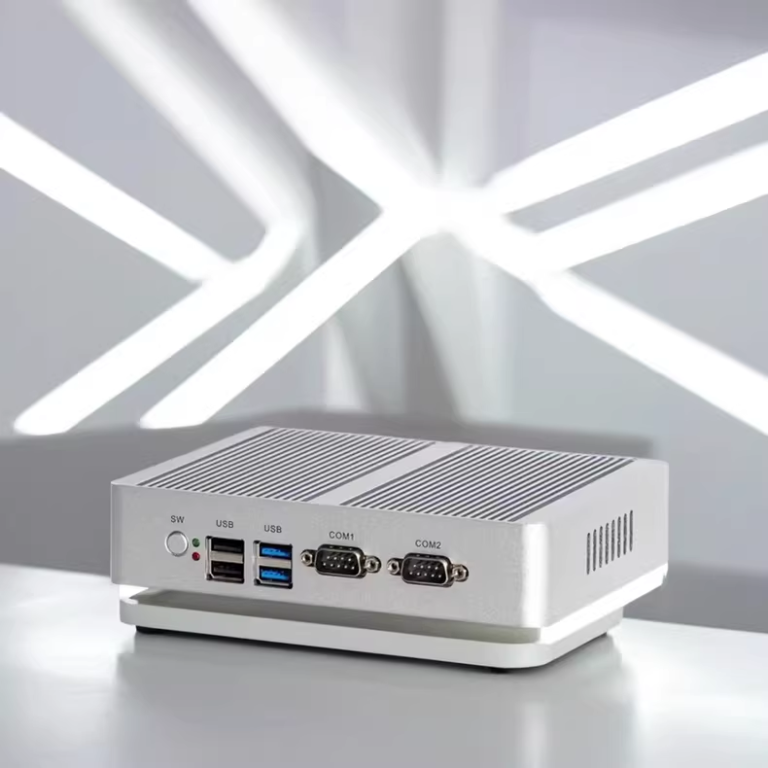
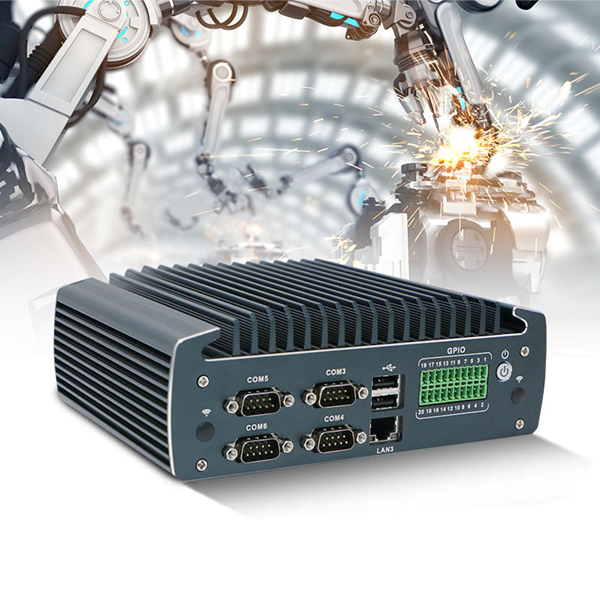
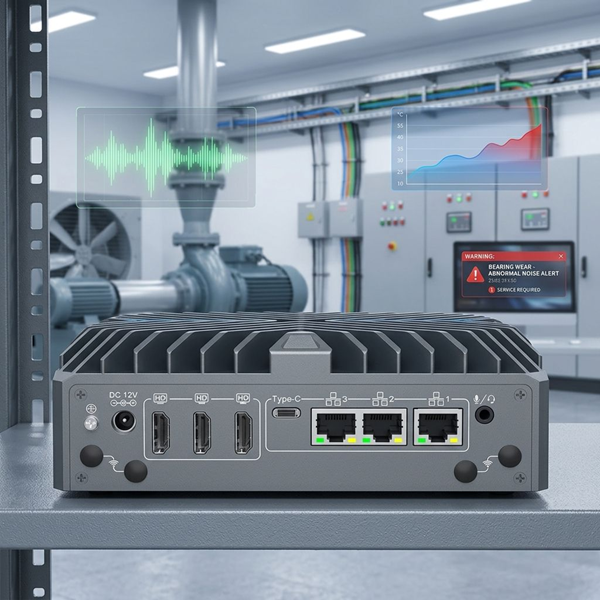
Mini PCs have become pivotal in various sectors due to their space-saving design and substantial processing power. From manufacturing lines to remote monitoring stations, these devices offer a versatile platform for deploying essential business applications. The operating system, serving as the backbone of any computing environment, influences performance, security, and usability.
This article explores the strengths and limitations of both Windows 10 and Windows 11, offering insights tailored for industrial applications on mini PCs.
On Windows 10

Since its release in July 2015, Windows 10 has established itself as a robust platform known for its reliability and broad compatibility. Industrial applications benefit from its mature ecosystem, supporting legacy software and hardware crucial in many established operations. Furthermore, its predictable behavior under diverse conditions makes Windows 10 a safe harbor for industries hesitant to migrate to newer, less tested systems.
Windows 10 offers comprehensive management tools essential for maintaining system integrity in industrial settings. Features like Group Policy, which provides detailed control over capabilities and user activities, are invaluable. Moreover, Windows 10’s long-term servicing channel (LTSC) presents an option for extended support, which is crucial for systems that require stability over long periods.
About Windows 11

Introduced in October 2021, Windows 11 brings forward a sleek interface and enhanced performance features, tailored for modern hardware. For industries leaning towards future-proofing their operations, Windows 11 appears as a compelling choice. It boasts improvements in speed and efficiency, essential for processing large volumes of data in real-time. Windows 11 places a strong emphasis on security, integrating hardware-based isolation, encryption, and malware prevention more deeply than its predecessor. This is particularly advantageous for industries facing stringent security requirements, such as defense contractors or financial service providers.
Analysis of Windows 10 vs. Windows 11 on Mini PCs
Performance Benchmarks
When examining the performance of Windows 10 and Windows 11 on mini PCs, crucial metrics include boot times, application load times, and multitasking efficiency. Real-world tests reveal that Windows 11 boots approximately 10-15% faster on average compared to Windows 10 in similar hardware conditions. Application load times are marginally better with Windows 11, which can be attributed to its more efficient use of system resources and an optimized codebase. In multitasking scenarios, Windows 11 demonstrates improved resource allocation, which can handle simultaneous operations slightly more smoothly than Windows 10. Despite these enhancements, the overall performance difference remains modest, ensuring that Windows 10 is still adequate for many industrial needs where ultra-high-speed processing is not critical.
Compatibility Considerations
Windows 11 has made strides in embracing modern hardware and software standards, but this transition comes with compatibility challenges. Many industrial setups rely on legacy systems with specific software requirements that may not be fully supported by Windows 11. For instance, certain industrial control software designed for Windows 10 might encounter issues running on Windows 11 due to changes in system architecture or deprecated support for older technologies. Windows 10 offers extensive support for such legacy applications and devices, facilitating integration without necessitating costly hardware updates or software reconfigurations.
Usability and User Experience
The user interface of Windows 11 has been overhauled to provide a cleaner and more intuitive user experience, which can significantly benefit industrial environments where ease of use is paramount. This streamlined interface reduces the time spent navigating between applications and settings, which can enhance operator efficiency in scenarios like production monitoring or data entry. Enhanced accessibility features, such as improved voice control and readability options, aid in reducing operator fatigue and error rates, particularly in continuous operation settings.
Future-Proofing and Support
Microsoft’s commitment to supporting Windows 10 until October 2025 provides a predictable roadmap for industries wary of frequent upgrades. However, Windows 11’s extended support timeline promises additional years of security updates and feature improvements, which might be crucial for industries investing in the longevity of their computing infrastructure. Choosing Windows 11 could safeguard against the need for premature system upgrades, aligning with strategies aimed at leveraging the latest technological advancements for competitive advantage.
Economic Impact
The economic implications of choosing between Windows 10 and Windows 11 for mini PCs are multifaceted. While upgrading to Windows 11 might entail initial costs associated with hardware compatibility and software migration, these expenses could be offset by gains in productivity and security. For example, the improved security framework of Windows 11 reduces the risk of costly data breaches and downtime, which are critical considerations for industries like finance and healthcare. Furthermore, the enhanced energy efficiency of Windows 11 can lead to lower operating costs over time, making it an economically viable option despite the upfront investment.

Optimal OS Selection for Industrial Mini PCs
Choosing between Windows 10 and Windows 11 for mini PCs in industrial settings hinges on evaluating current operational needs against long-term strategic goals. Windows 10 remains a robust option, offering proven compatibility with a wide array of legacy systems and extended support until October 2025. This makes it ideal for industries that prioritize stability and gradual technological evolution without the need for frequent system overhauls. On the contrary, Windows 11, with its enhanced security features and improved efficiency, suits sectors aiming to incorporate the latest technological advancements and optimize operational efficiency. The system’s modernized interface and extended support forecast make it a forward-thinking choice for future-proofing technology investments.
Industries must therefore assess their specific needs—whether maintaining established systems with significant legacy dependencies or pushing the envelope with modern, resource-efficient technologies. For operations heavily reliant on established tech, Windows 10 offers a seamless continuation without disruptive upgrades. Conversely, for those focusing on innovation and efficiency, Windows 11 provides tools to enhance productivity and competitiveness. This strategic decision will not only meet immediate needs but also shape the technological landscape of these industries, ensuring readiness for future technological challenges and opportunities.